Smart home systems have a reputation problem. Too many homeowners buy a hub, a handful of bulbs, and a smart plug, then watch it all collect dust because setup was confusing or the devices refused to talk to each other.
The good news: in 2026, the best systems are genuinely easier to use, more compatible across brands, and more capable of cutting your energy bill than ever before.
This guide cuts through the marketing noise and focuses on what actually matters: which systems are reliable, which ones are beginner-friendly, and which ones will pay you back in lower utility costs.
What Makes a Smart Home System Worth It?
Before picking a platform, it helps to know what separates a good system from a frustrating one.
Compatibility is the big one. A system that only works with its own branded devices will limit you fast. Look for platforms that support Matter (the new universal smart home standard) and work with a wide range of third-party devices.
Ease of setup matters just as much. If you need to read a 40-page manual before your lights respond to your voice, that’s a problem.
Energy management features are where things get interesting for eco-conscious homeowners. The best systems don’t just automate convenience, they actively help you use less electricity, heat, and water.
Finally, cost covers both the upfront hardware and any ongoing subscription fees. Some platforms are free to run; others charge monthly for advanced features.
The Top Smart Home Systems in 2026
Amazon Alexa + Echo Ecosystem
Best for: Beginners who want wide device compatibility
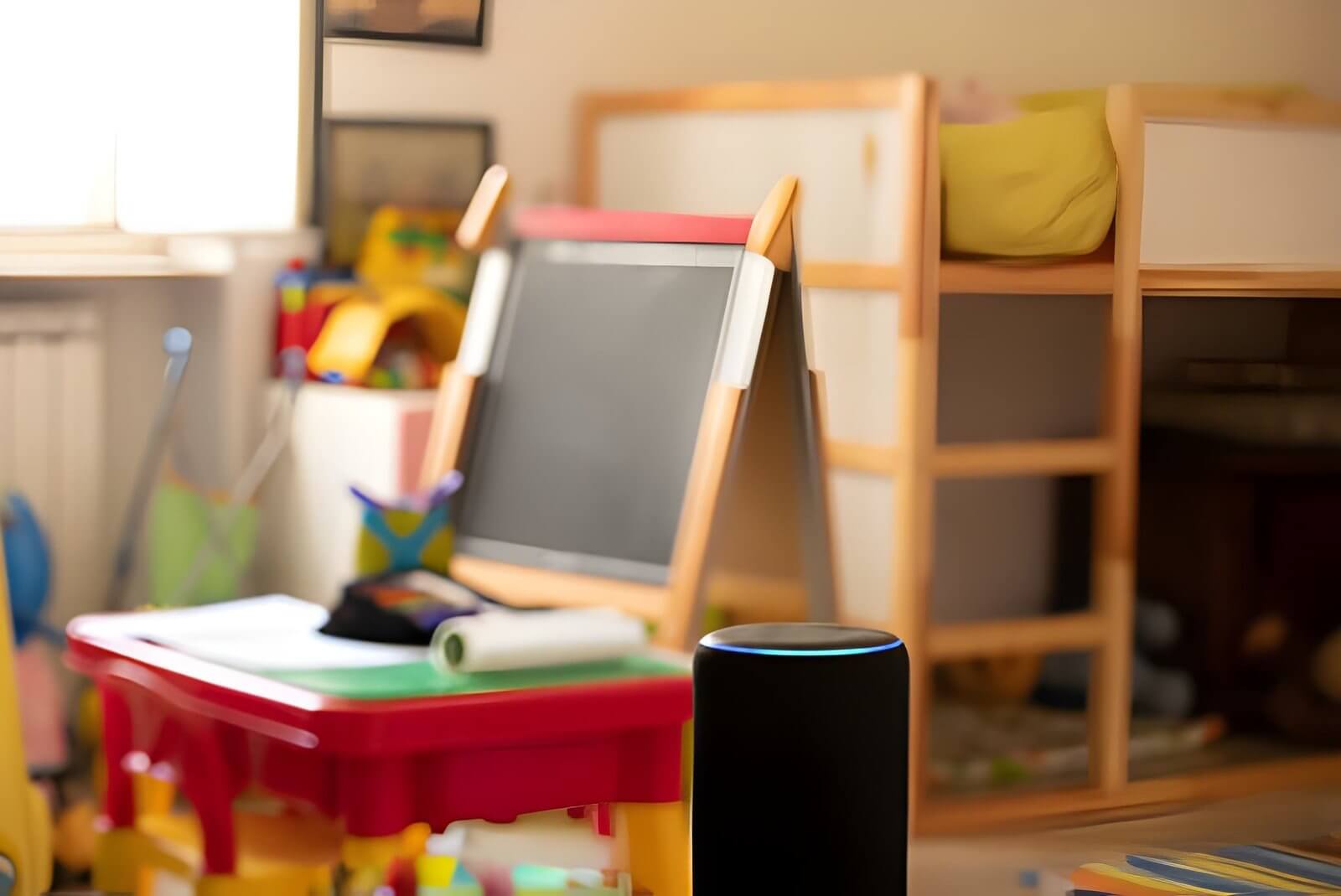
Amazon’s Alexa platform remains one of the most accessible entry points into home automation. The Echo device lineup covers everything from compact smart speakers to displays with screens, and Alexa now works with thousands of third-party devices.
The big upgrade in 2026 is Alexa’s improved energy routines. You can set schedules that automatically dim lights, adjust your thermostat, and cut power to standby devices during off-peak hours. These automations are genuinely easy to build through the Alexa app with technical knowledge required.
What works well:
- Massive device compatibility, including most Matter-certified products
- Voice control is fast and accurate
- Energy dashboard shows which devices are drawing the most power
- Routines are simple to create and customize
What to watch:
- Some advanced features require an Alexa+ subscription
- Amazon’s data privacy policies are worth reading before you commit
Rough starting cost: Echo Dot from around $50; full setup with smart plugs, bulbs, and thermostat typically runs $200–$500 depending on home size.
Google Home
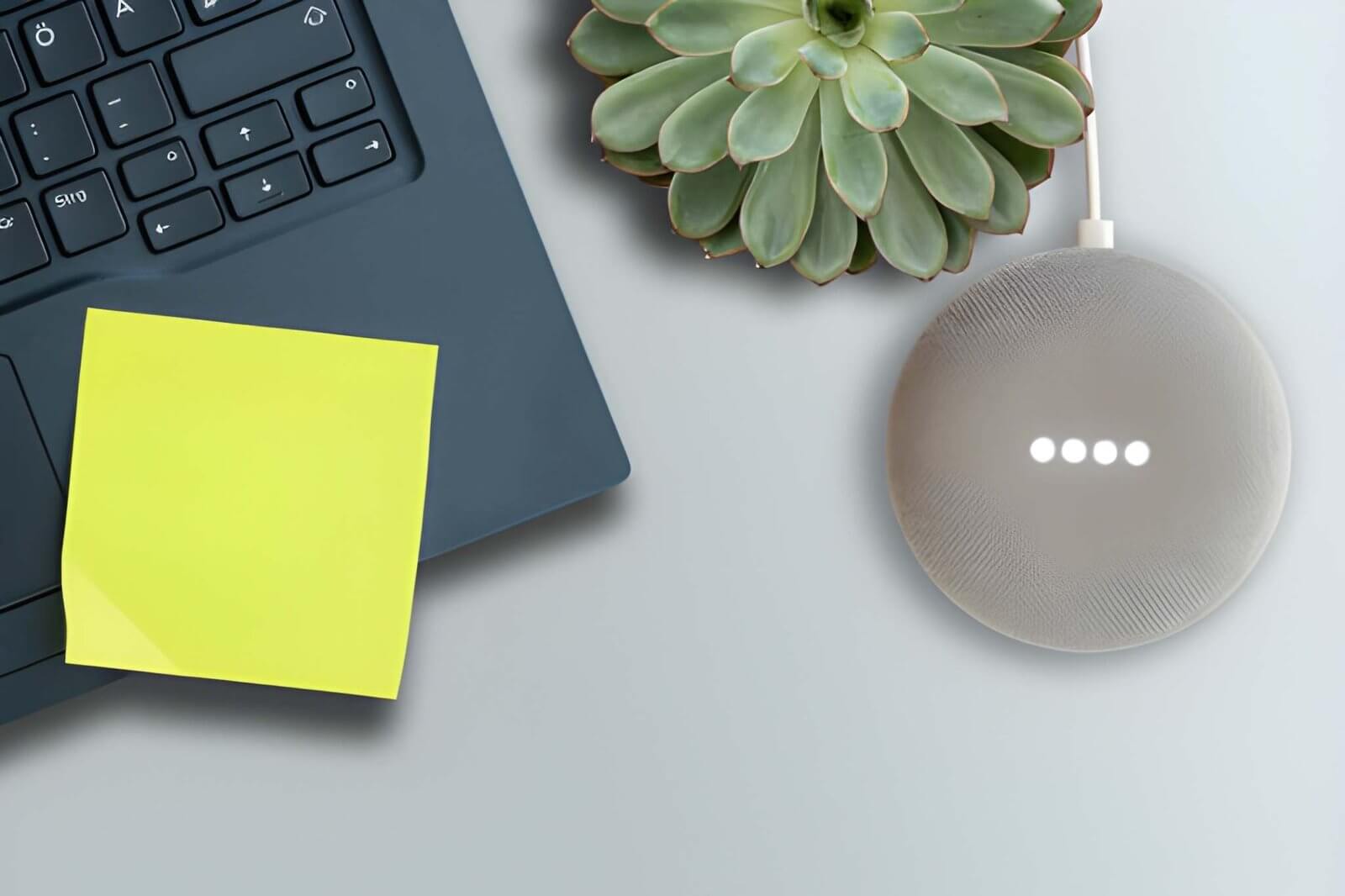
Best for: Android households and anyone already deep in the Google ecosystem
Google Home had a rough patch a few years ago, but the platform has improved significantly. The Google Home app is now cleaner, more stable, and better at grouping devices by room. If your household runs on Android phones, Nest devices, and Google services, this is a natural fit.
The Nest Thermostat remains one of the standout devices in the Google ecosystem. It learns your schedule, adjusts temperatures automatically, and provides clear reporting on how much energy you’re saving each month.
What works well:
- Nest Thermostat is one of the best energy-saving smart home devices available
- Strong integration with Google Calendar for presence-based automations
- Works well with Matter-certified devices
- Google Assistant handles complex voice commands reliably
What to watch:
- Google has discontinued products before, some homeowners remain cautious about long-term platform commitment
- Fewer compatible third-party devices than Amazon
Rough starting cost: Nest Thermostat from around $130; broader setup with speakers and smart devices runs $250–$600.
Apple HomeKit
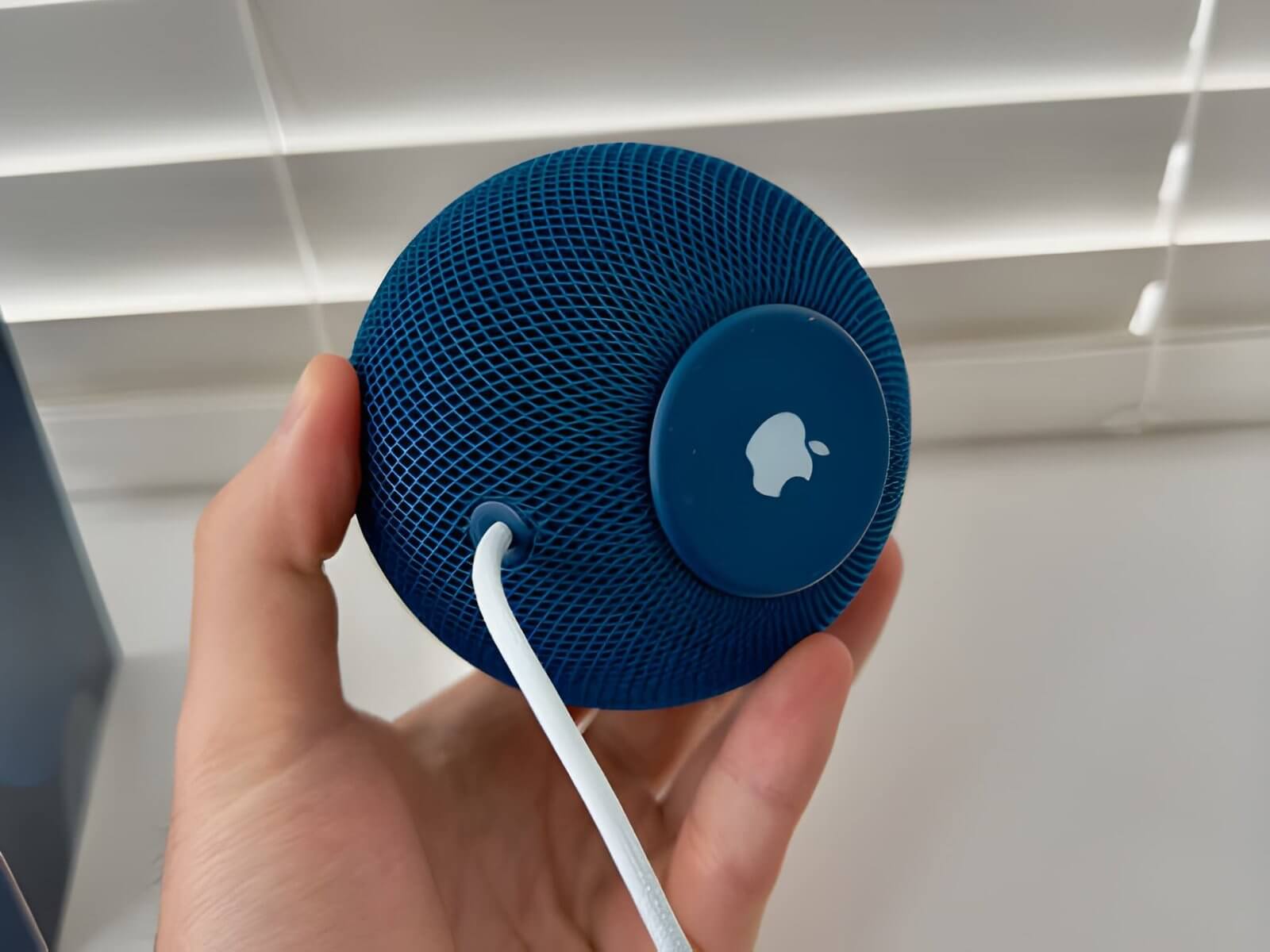
Best for: iPhone households that prioritize privacy and reliability
HomeKit is the most privacy-focused major smart home platform. Processing happens locally on your devices rather than in the cloud, which means your home data stays home. It’s also the most polished experience if you’re already in the Apple ecosystem.
The trade-off is a smaller device library. Not every smart home product supports HomeKit, so you’ll want to check compatibility before buying. That said, Matter support has expanded the range of compatible devices considerably in 2026.
The Home app on iPhone and iPad is genuinely intuitive. Automations are straightforward, and the integration with Siri, Apple Watch, and HomePod makes voice control feel seamless.
What works well:
- Best-in-class privacy — local processing, no data selling
- Reliable automations that work even when the internet goes down
- Clean, easy-to-use Home app
- Strong integration with HomePod for whole-home audio and control
What to watch:
- Requires Apple devices to set up and manage
- Smaller device ecosystem than Amazon or Google
- HomePod as a hub adds cost
Rough starting cost: HomePod mini from around $99; full setup runs $300–$700 depending on devices chosen.
Samsung SmartThings

Best for: Homeowners who want deep customization and broad device support
SmartThings is the platform for homeowners who want serious control over their setup. It supports an enormous range of devices like Zigbee, Z-Wave, Wi-Fi, and Matter, making it one of the most flexible options available. If you want to mix brands freely without worrying about compatibility walls, SmartThings handles it well.
The automation builder is more powerful than Amazon or Google’s, which is great for advanced homeowners but can feel like a lot for beginners. Start simple and build from there.
Samsung’s Energy Monitor integration lets you track consumption at the device level, which is useful if you’re serious about cutting your electricity bill.
What works well:
- Supports more device types and protocols than most competitors
- Powerful automation rules for advanced setups
- Works well with Samsung appliances if you own them
- Strong energy monitoring capabilities
What to watch:
- App can feel cluttered for new homeowners
- Best experienced with some patience for the learning curve
Rough starting cost: SmartThings Hub from around $70; broader setup varies widely based on devices.
Home Assistant
Best for: Tech-comfortable homeowners who want full control and zero subscriptions
Home Assistant is open-source, runs locally on your own hardware (a Raspberry Pi or a dedicated Home Assistant device), and doesn’t charge a monthly fee. It supports more integrations than any commercial platform over 3,000 at last count.
This is not a plug-and-play solution. Setup takes time and some comfort with technology. But once it’s running, Home Assistant gives you complete control: custom dashboards, detailed energy monitoring, automations that run entirely offline, and no vendor lock-in.
For homeowners who want to track solar production, battery storage, and home energy use in a single dashboard, Home Assistant is genuinely exceptional.
What works well:
- No subscription fees, ever
- Runs locally — works without internet
- Unmatched integration library
- Best energy monitoring and solar integration of any platform
What to watch:
- Setup requires technical comfort
- No official customer support
- Updates require occasional maintenance
Rough starting cost: Home Assistant hardware from around $100; software is free.
How to Choose the Right System for Your Home
Use these questions to narrow it down:
- What devices do you already own? If you have a Nest Thermostat, Google Home makes sense. If you’re starting fresh, Amazon or SmartThings give you the most flexibility.
- What phone do you use? iPhone households will find HomeKit the smoothest experience. Android households lean toward Google or Amazon.
- How technical are you? Beginners do well with Amazon or Google. Confident DIYers will get the most from SmartThings or Home Assistant.
- Is energy monitoring a priority? All five platforms offer some level of energy tracking, but Home Assistant and SmartThings go deepest.
- What’s your budget? Amazon and Google have the widest range of entry-level devices. HomeKit tends to run slightly more expensive.
Smart Home Systems Compared at a Glance
| System | Best For | Privacy | Device Range | Beginner-Friendly | Subscription Needed |
|---|---|---|---|---|---|
| Amazon Alexa | Wide compatibility | Moderate | Very wide | Yes | Optional |
| Google Home | Android/Nest users | Moderate | Wide | Yes | No |
| Apple HomeKit | iPhone users | Excellent | Moderate | Yes | No |
| Samsung SmartThings | Advanced setups | Moderate | Very wide | Moderate | No |
| Home Assistant | Full control/DIY | Excellent | Widest | No | No |
Do Smart Home Systems Actually Save Energy?
Yes — but only if you use them intentionally. A smart bulb you never schedule saves nothing. A smart thermostat set to adjust temperatures based on your schedule can reduce heating and cooling costs meaningfully over a year.
The biggest energy wins typically come from:
- Smart thermostats that stop heating or cooling an empty house
- Smart plugs that cut power to devices in standby mode
- Lighting schedules and motion sensors that turn lights off automatically
- Energy monitoring that shows you which appliances are drawing the most power
The Nest Thermostat, for example, is well-documented for reducing HVAC energy use for homeowners who set it up properly. Smart plugs on entertainment systems and home offices can eliminate phantom loads that quietly add to your bill every month.
The key is treating your smart home as an energy tool, not just a convenience gadget.
How to Get Started Without Overwhelming Yourself
You don’t need to automate everything on day one. Here’s a sensible starting path:
- Pick one platform based on the questions above. Mixing platforms early creates compatibility headaches.
- Start with a smart thermostat. It delivers the clearest energy savings and is easy to set up on any platform.
- Add smart plugs to your biggest standby culprits — TV, gaming console, home office setup.
- Set your first automation — something simple, like lights turning off at bedtime or the thermostat dropping when you leave for work.
- Check your energy dashboard after 30 days and see what’s changed.
Building gradually means you actually use what you set up, rather than buying a box of gadgets that sits in a drawer.
FAQs
What is the best smart home system for beginners in 2026?
Amazon Alexa and Google Home are the most beginner-friendly options. Both have straightforward apps, wide device support, and clear setup guides. Amazon’s Echo lineup offers the widest entry-level price range, making it a good starting point if you’re new to home automation.
Do smart home systems work with each other?
Increasingly, yes. The Matter standard, which all five platforms on this list support, allows devices from different brands to work together. That said, full cross-platform automation (controlling Google devices from an Apple app, for example) is still limited. Picking one primary platform and sticking with it avoids most compatibility issues.
How much does a basic smart home setup cost?
A practical starter setup — smart thermostat, a few smart plugs, and a voice assistant hub — typically costs between $200 and $400. You can start smaller with just a smart plug and a single Echo Dot for under $75.
Can smart home systems actually lower my energy bill?
Yes, when used actively. Smart thermostats and energy monitoring are the most effective tools. Homeowners who schedule heating and cooling around their actual routines typically see noticeable reductions in HVAC costs. The savings depend on your home size, climate, and how you set up your automations.
Is Home Assistant worth it if I’m not very technical?
Probably not as your first platform. Home Assistant is powerful but requires setup time and occasional troubleshooting. If you’re comfortable with basic technology and willing to spend a few hours on setup, the long-term benefits (no fees, full control, excellent energy monitoring) are real. If you want something working in an afternoon, start with Amazon or Google.
What is the most private smart home platform?
Apple HomeKit and Home Assistant are the strongest options for privacy. HomeKit processes automations locally on Apple devices rather than sending data to the cloud. Home Assistant runs entirely on your own hardware with no data leaving your home unless you choose to enable remote access.
Do I need a hub to run a smart home system?
It depends on the platform. Amazon and Google use their smart speakers as hubs. Apple uses a HomePod or Apple TV. Samsung SmartThings has a dedicated hub. Home Assistant requires its own hardware. Some devices connect directly to Wi-Fi without a hub, but a central hub generally makes automations more reliable and keeps things running when the internet goes down.
The right smart home system is the one you’ll actually use. Start with what fits your existing devices and comfort level, focus on the automations that save energy, and build from there. Greener living doesn’t require a complete home overhaul, just a few smart choices that add up over time.